Close
AI Analyst for_logotype_light

AIRPORT SECURITY RISK ASSESSMENT

AI Analyst enables you to generate on-demand airport security risk assessments in seconds by analysing all relevant incidents within a defined area and timeframe. By combining geospatial filtering with structured intelligence analysis, you can quickly turn raw situational data into actionable insights.

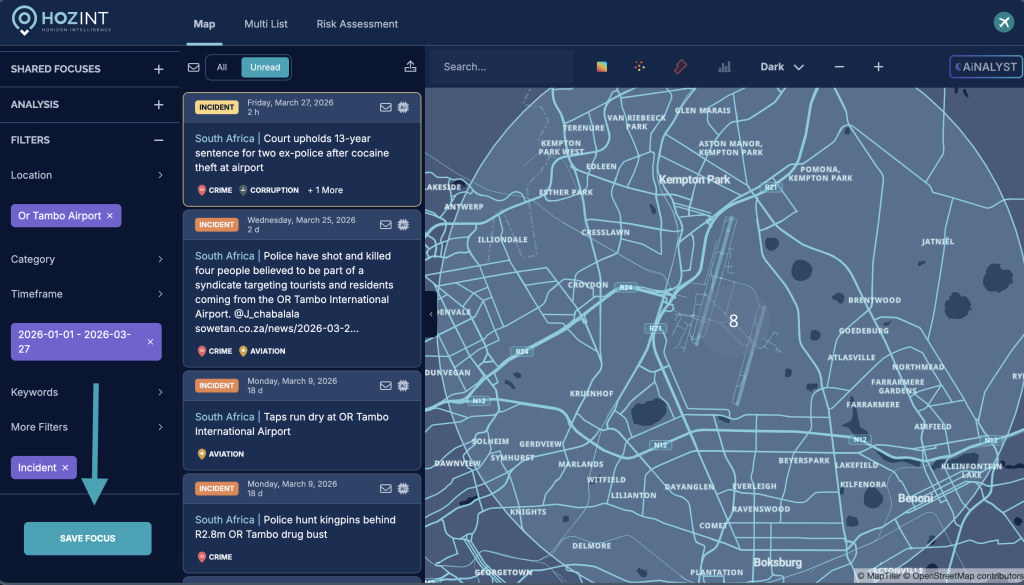
Step 1: Geofence the airport

Create a geofence around the airport to define your area of analysis:


→ Go to Filter LocationBy Geofence

→ click “Add Geofence”

→ select “Radial Geofence”

→ in Define Center, enter the airport address

→ choose a radius (km or miles) to cover your area of interest

→ add a name (e.g. the airport name)

→ click Save.

Step 2: Select the topics

Choose the type of incidents you want to include in your analysis:


→ Go to Filter “Category”

→ Select the categories of interest (e.g. airstrikes, drone strikes, social trouble, crime, etc.)

→ click Apply.

Step 3: Define a timeframe

Set the time period for your analysis:


Go to Filter TimeframeEvent Date

→ select your preferred timeframe (e.g. past 7, 30, or 90 days, or a custom range)

→ click Apply.

Step 4: Save your filters as a Focus

Save your configuration to reuse and run analyses:


Scroll down the sidebar → click “Save Focus.”

Step 5: Generate the risk assessment with AI Analyst

Run AI Analyst to produce your intelligence output:


Click the AI Analyst button on the top right of the dashboard

→ wait approximately 1 minute for the analysis to be generated.


You can refine the analysis at any time by providing instructions or additional context to AI Analyst through the chatbot.


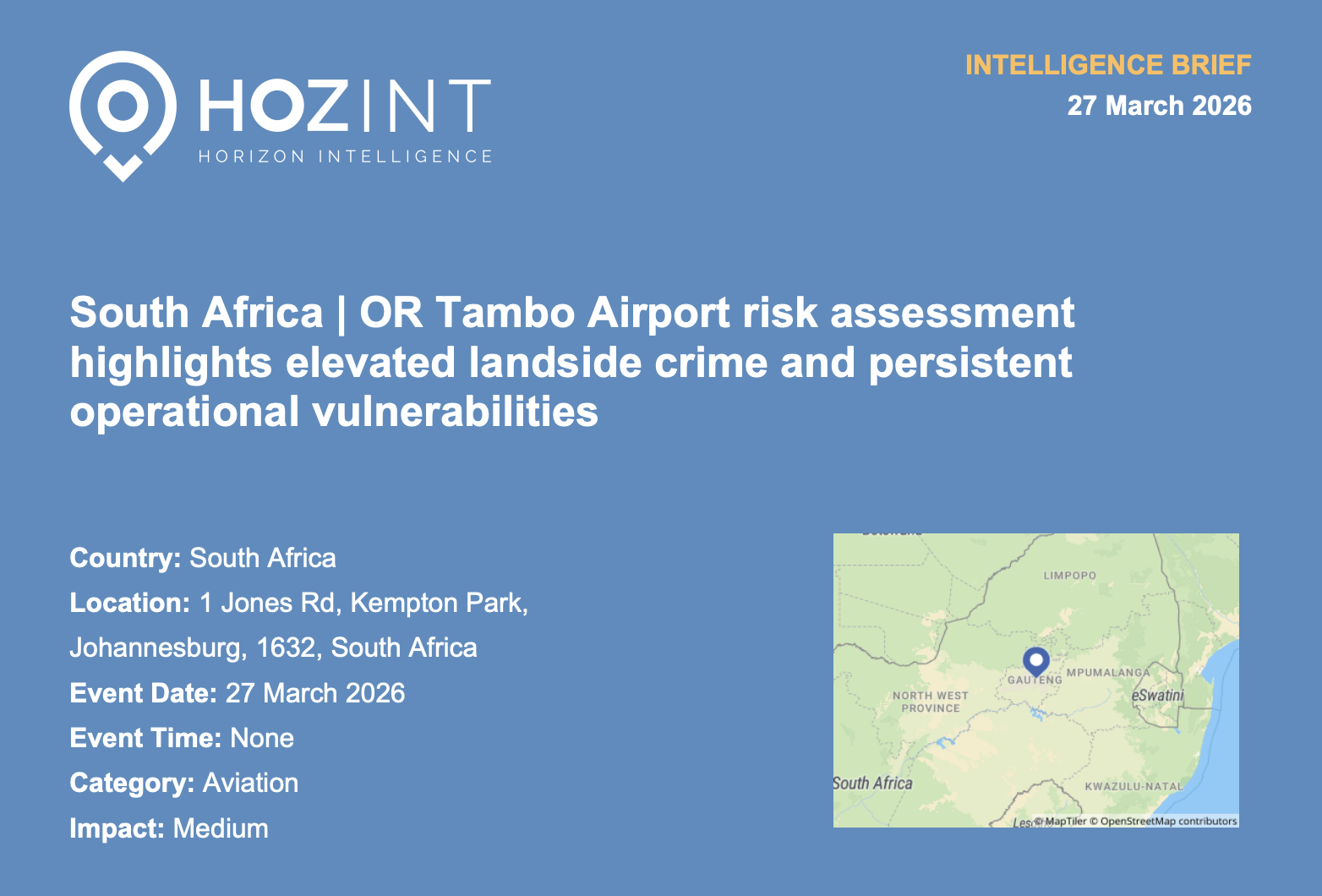
Once you’re satisfied with the result, you can save the analysis, edit it manually, add metadata, and export it as a PDF.

Download a sample of AI Analyst's risk assessment


REQUEST A DEMO

Do you want to see our platform in action? Book a demo now!